
How it works
Build your garden with your camera
Walk around and snap each plant. It works out what it is, gives it a name, files it under the right area (back yard, deck, inside, wherever you garden) and keeps the photo. Anything it saves gets an Undo and an Edit, so nothing slips in by mistake.
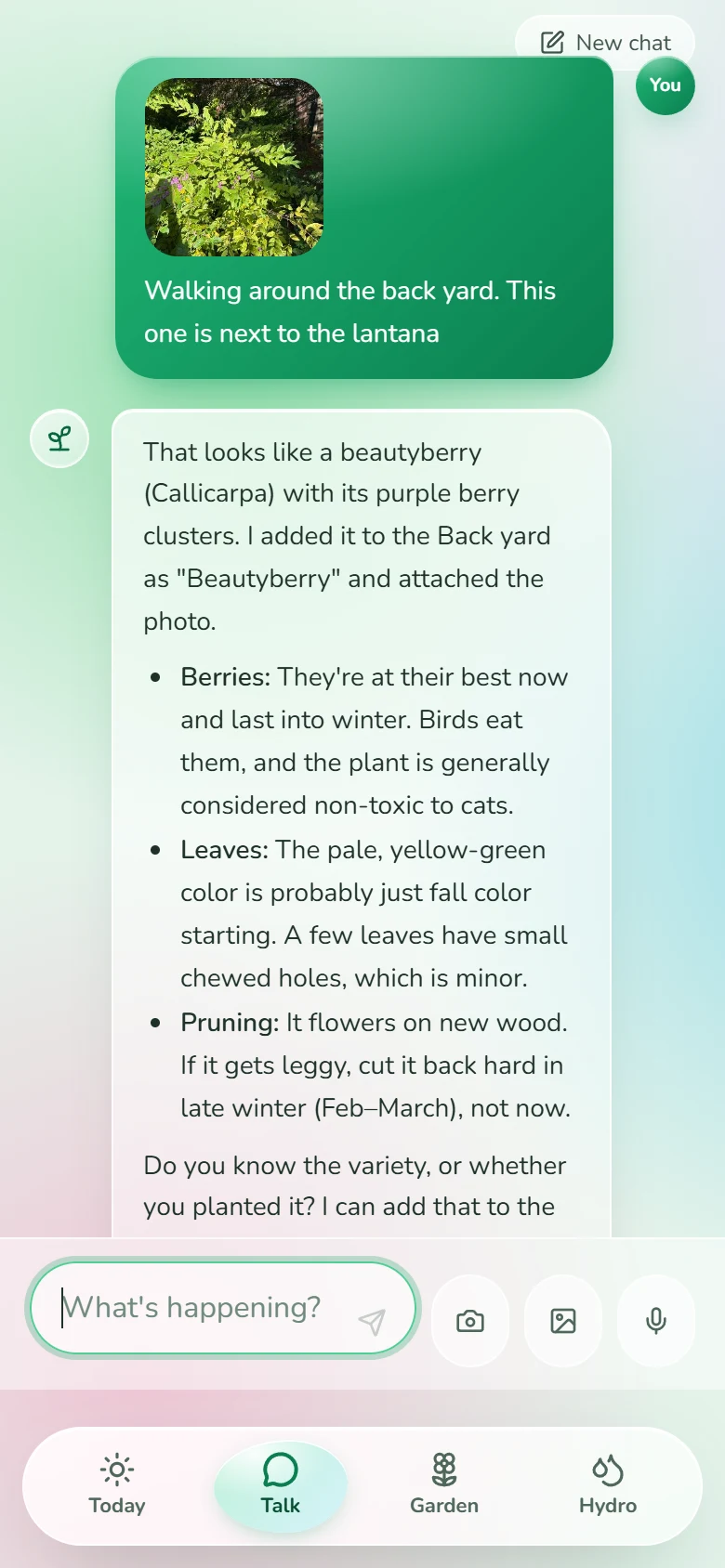
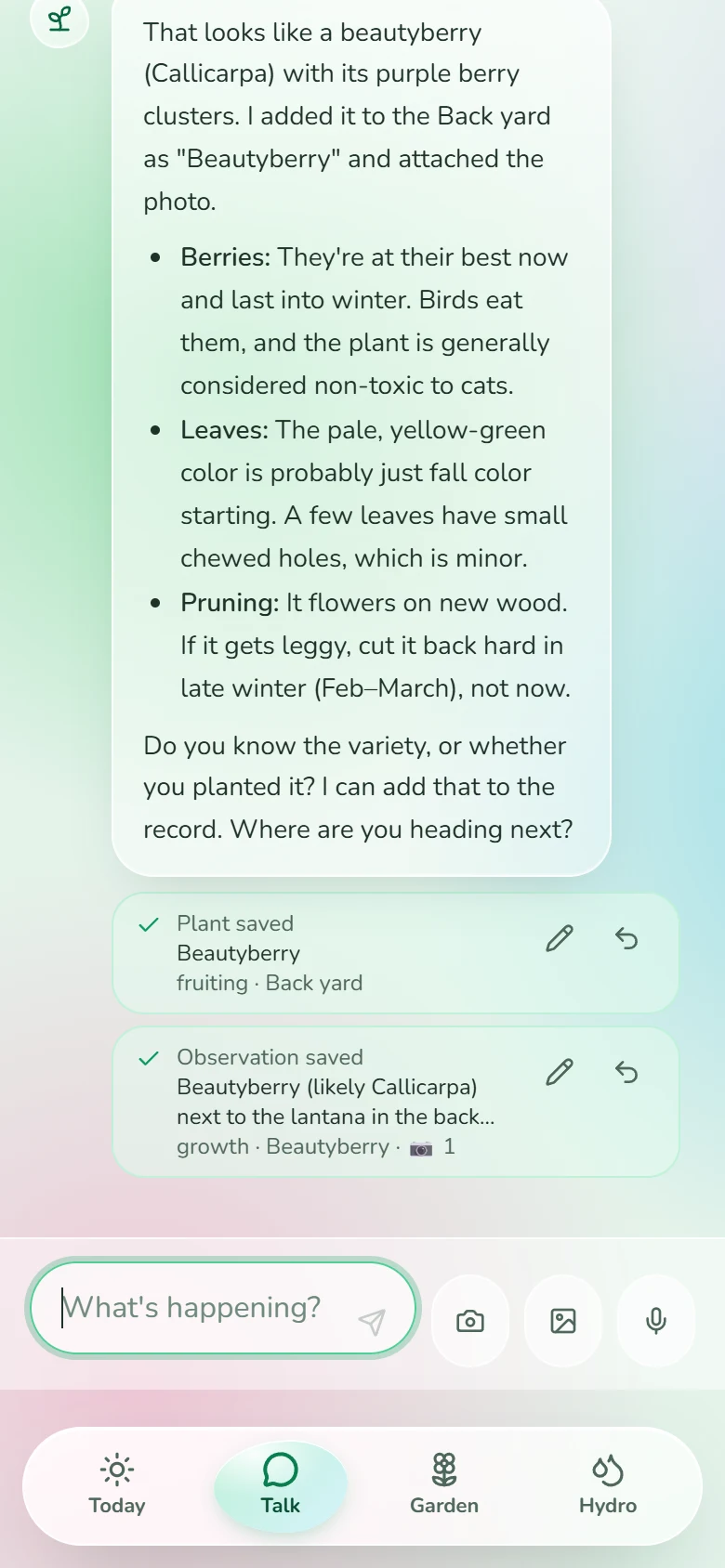
Tell it what's happening
Type it, say it or snap a photo: “picked six tomatoes”, “the basil has tiny green bugs”. It saves each note to the right plant, and every photo gets a careful look from the AI. Each plant keeps its own file: photos, notes, harvests and the weather it has lived through.
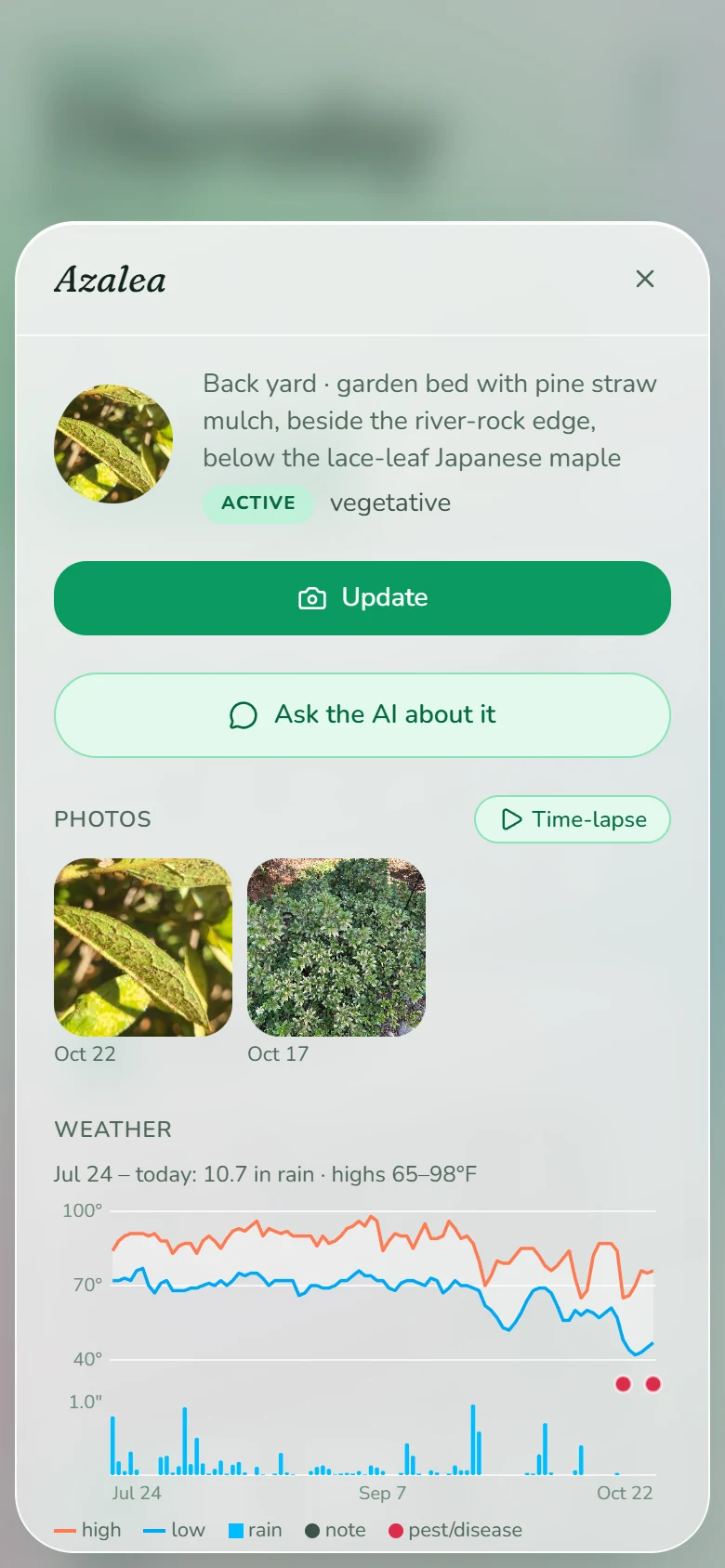
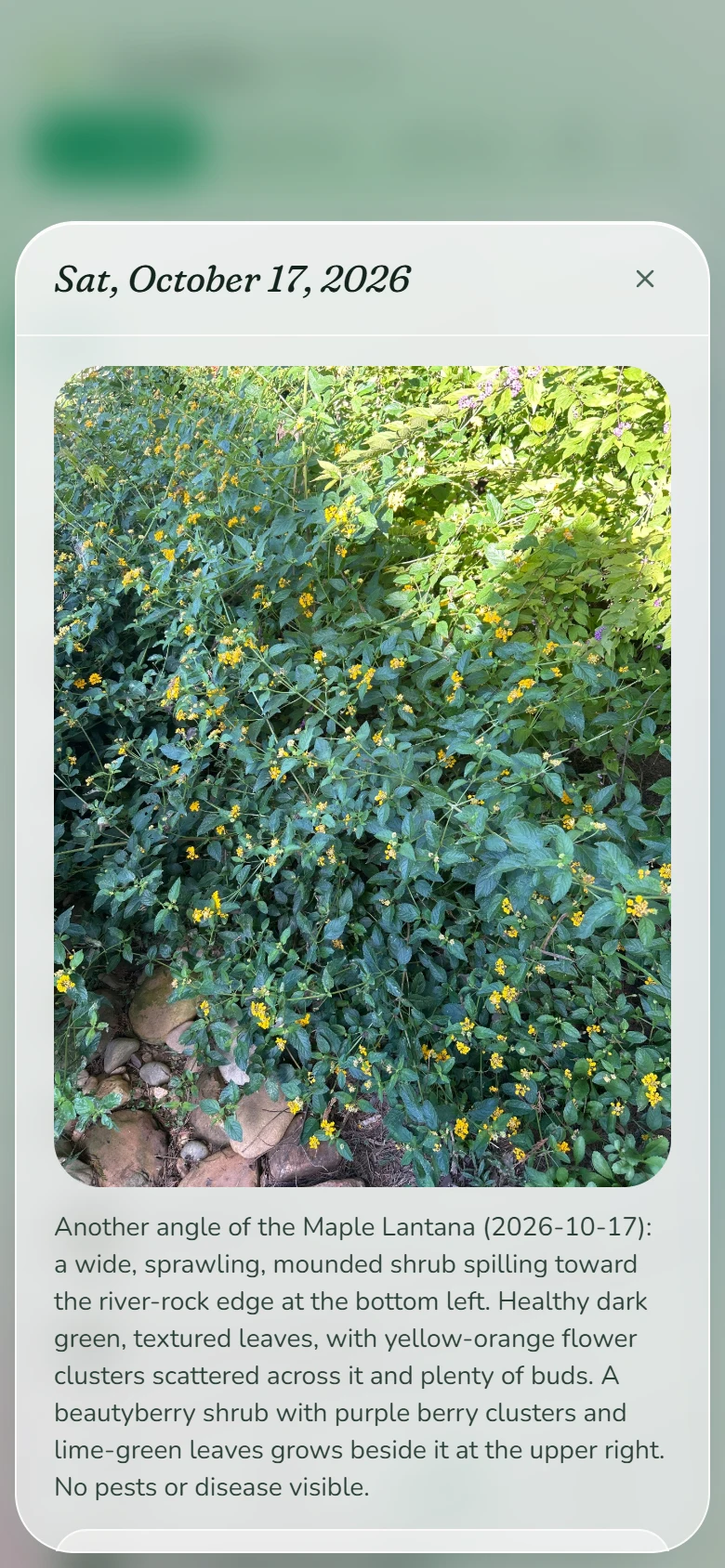
A plan every morning
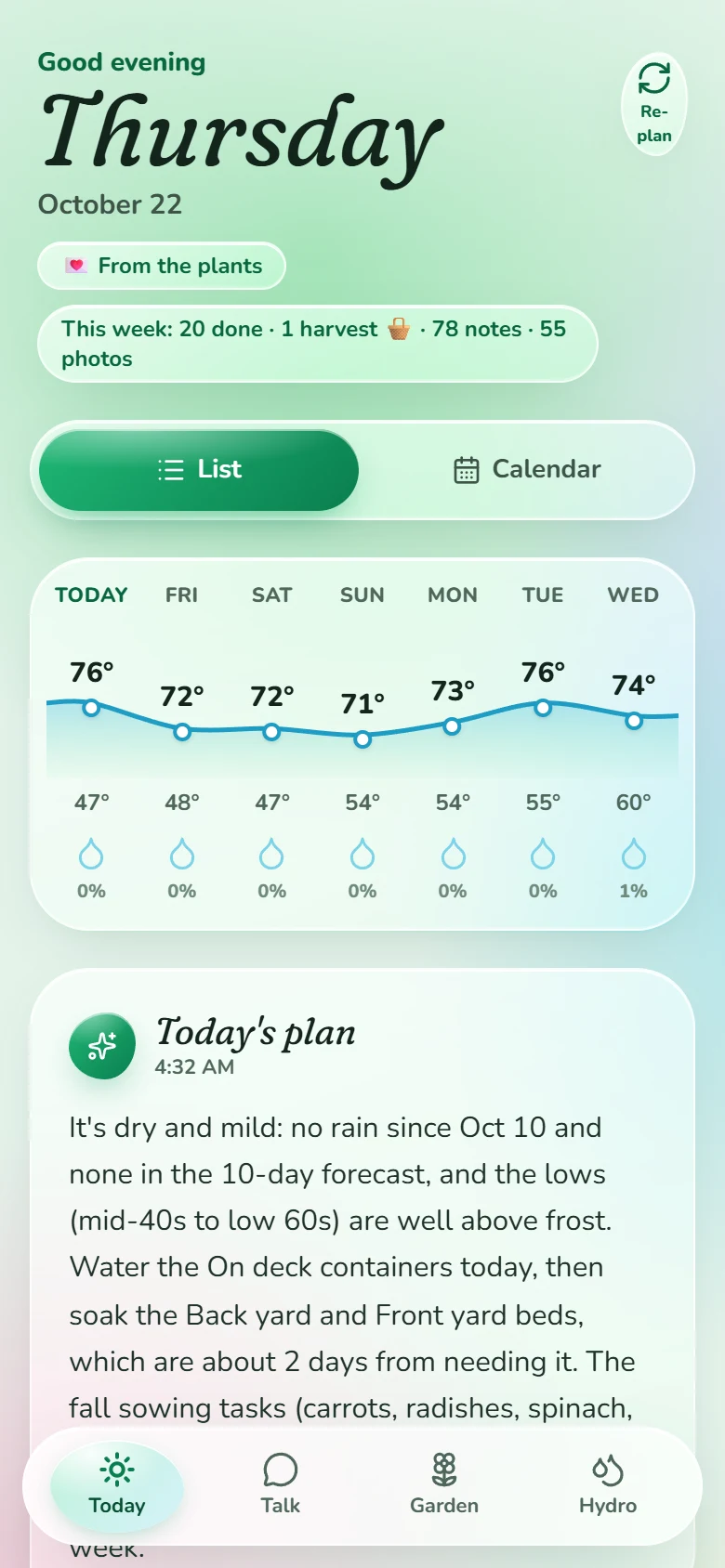
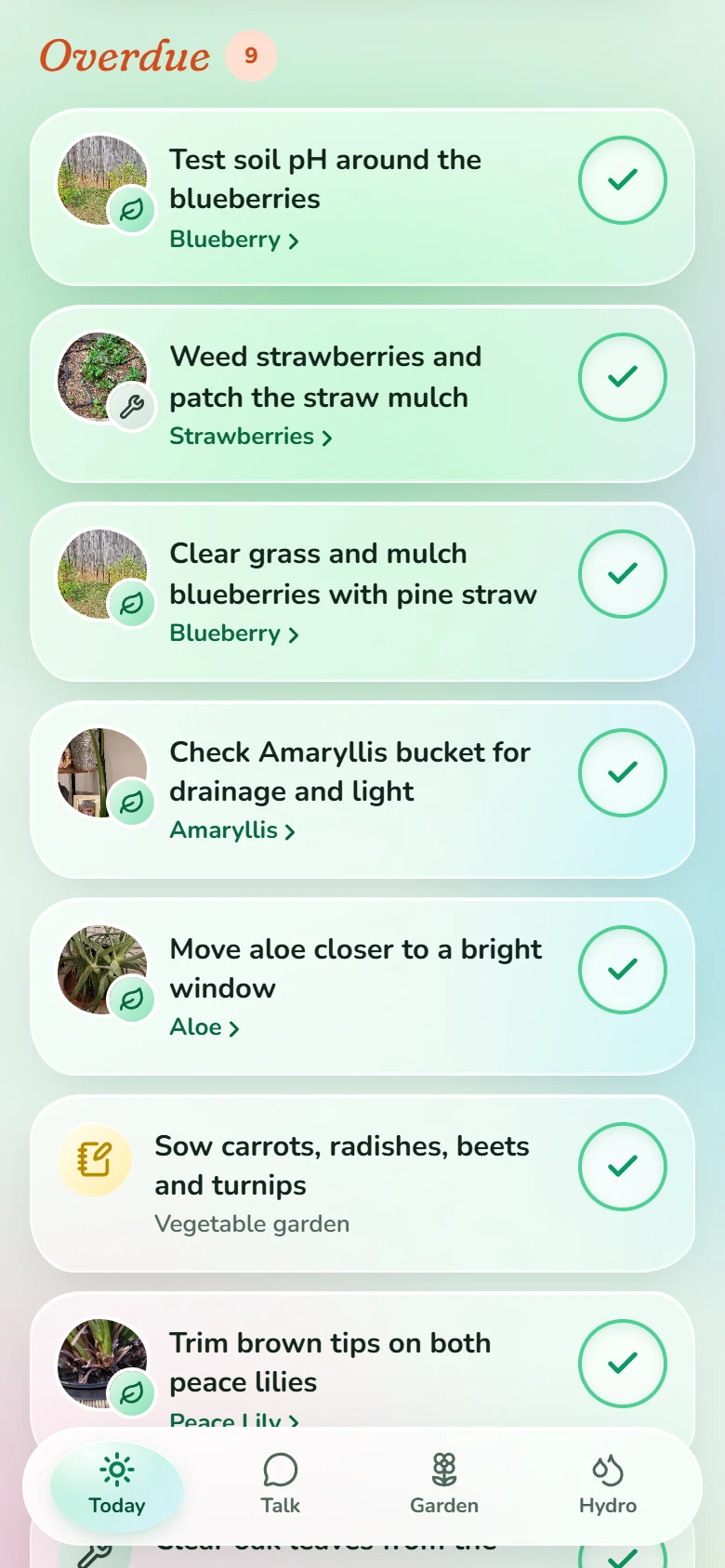
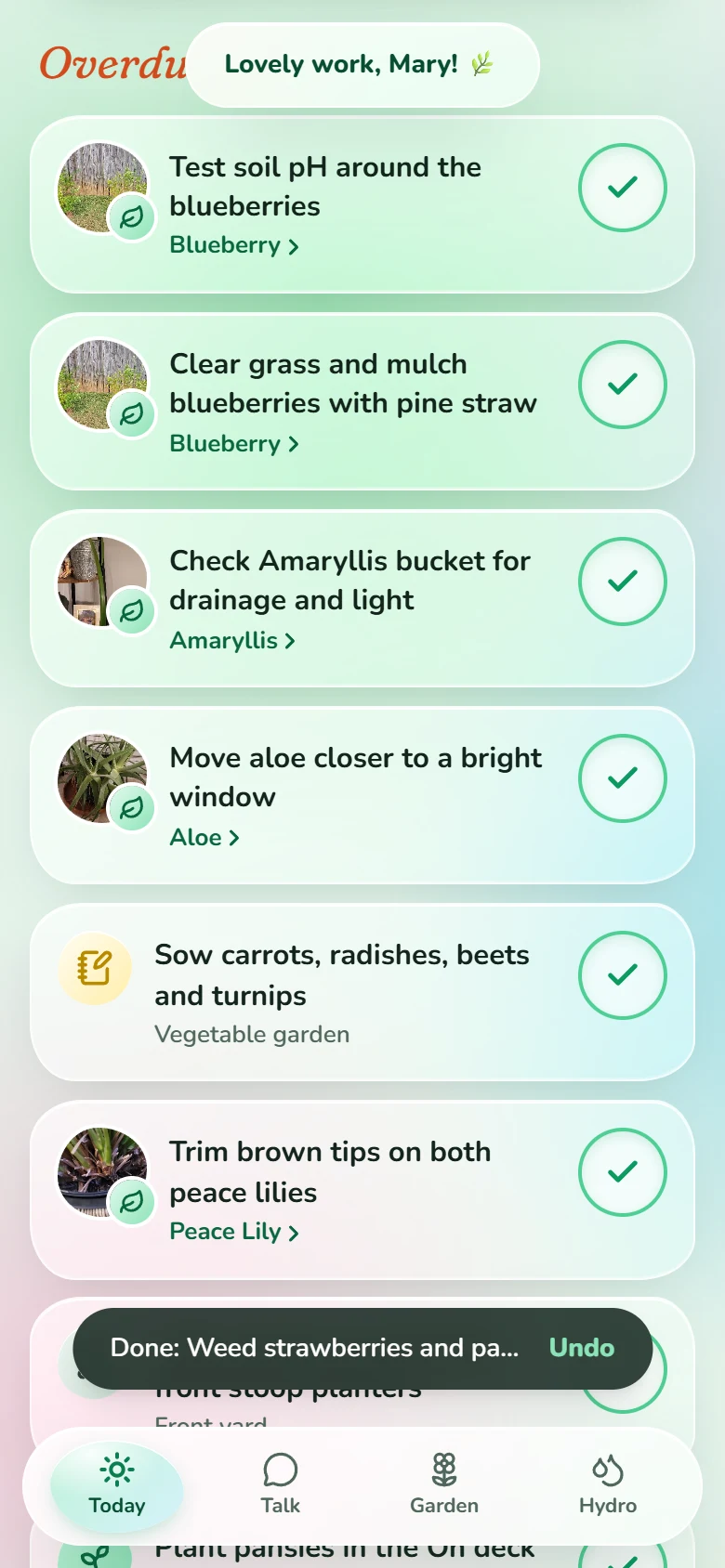
Overnight it reads the forecast, the recent rain, the season and each plant's history, then writes the day's list: water this, sow that, check on those. Done is one tap.
Check, answer, follow up
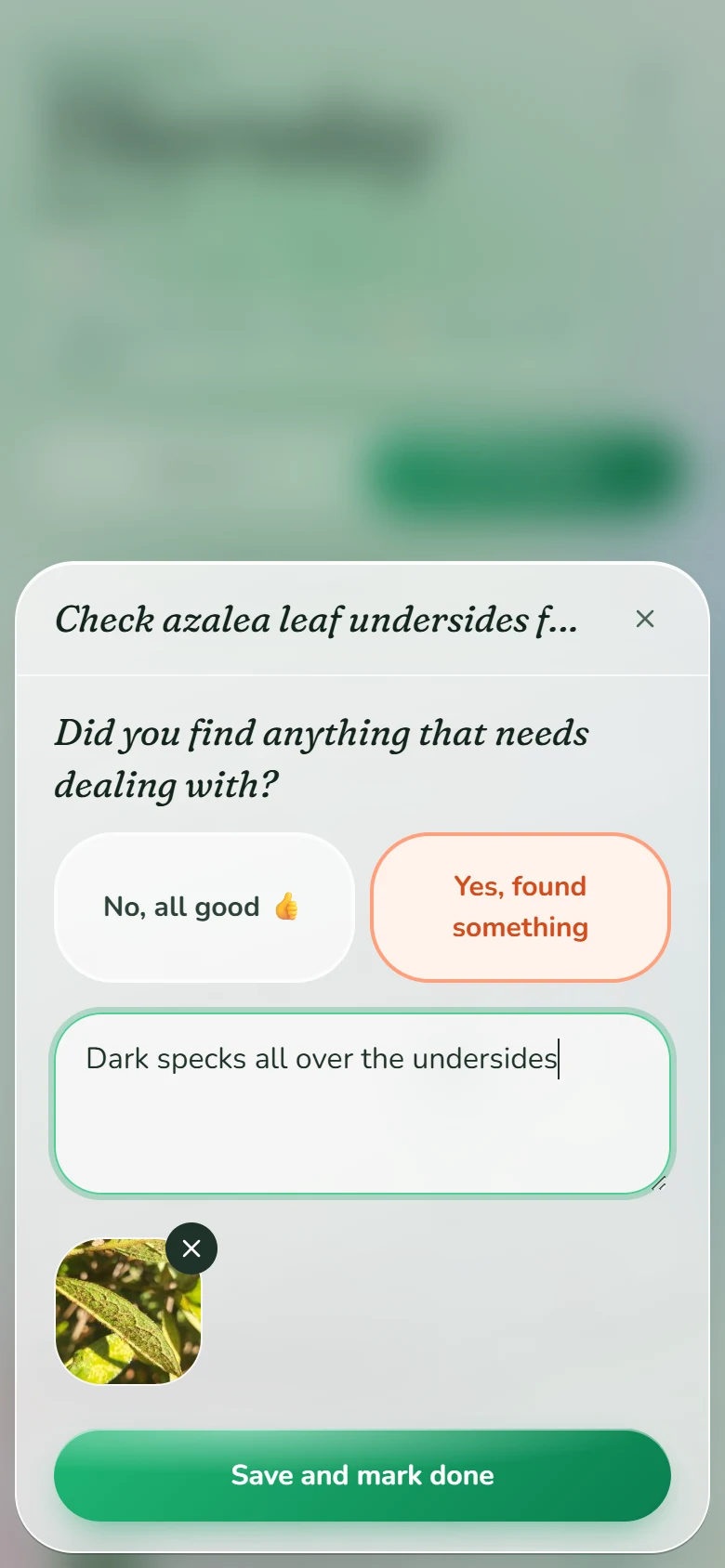
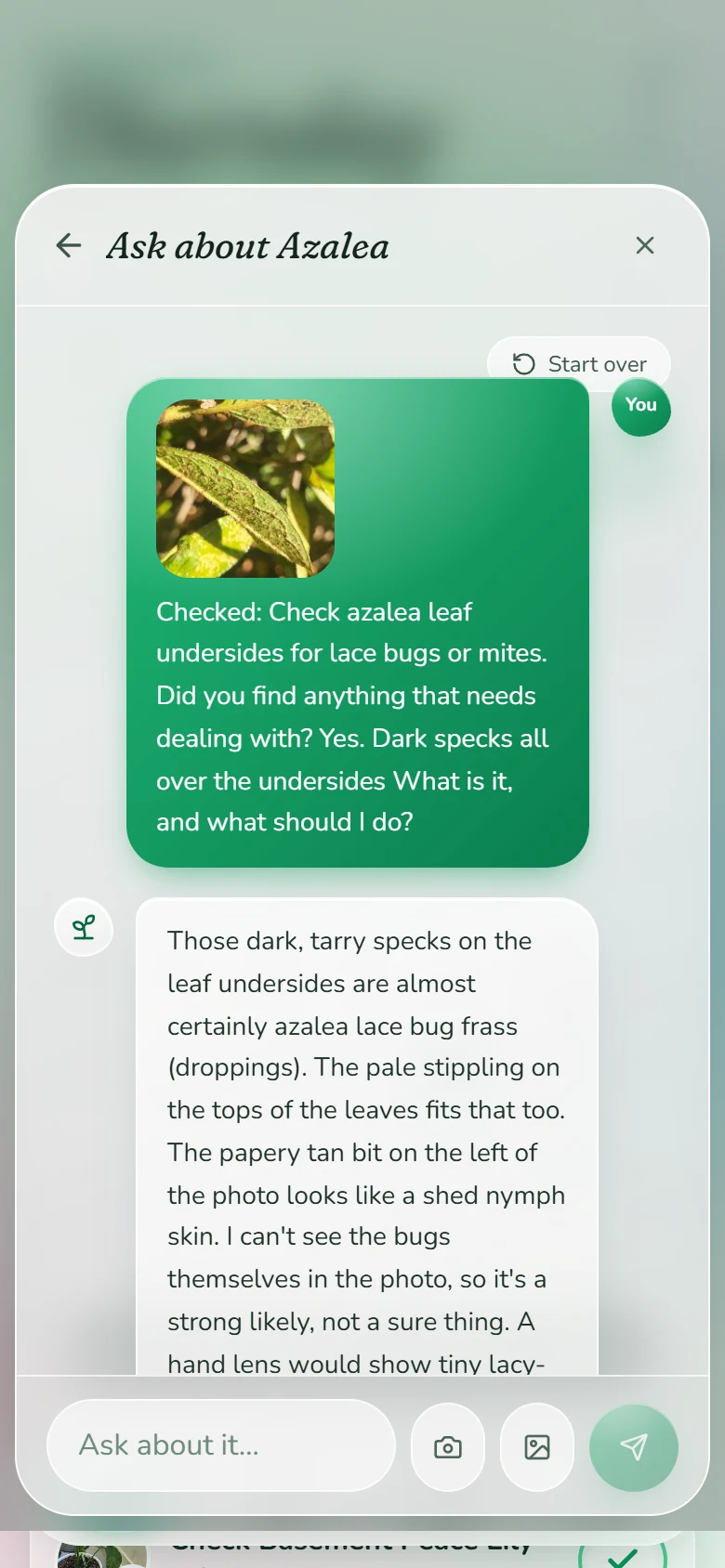
A check comes with a quick question. Answer Yes, found something with a photo and it looks right away: what it most likely is, what to do about it, and whether to add a follow-up to the list.
Enjoy personal messages from the plants
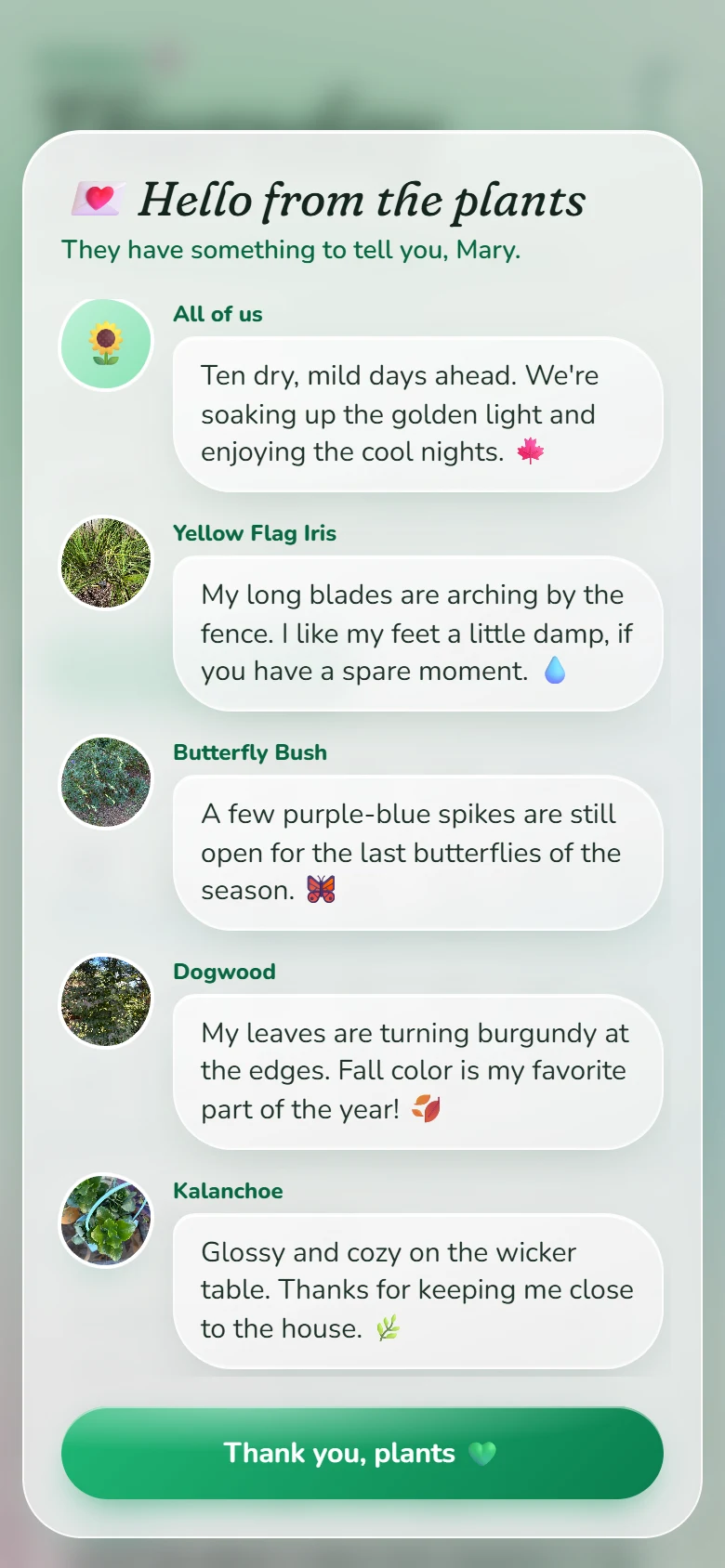
Turn it on for someone special and the plants write to them by name every morning. The garden welcomes them back, and every watering, harvest or finished job earns a kind word and a few hearts. Always true, never a guilt trip.
And a lot more
Watering that knows the weather
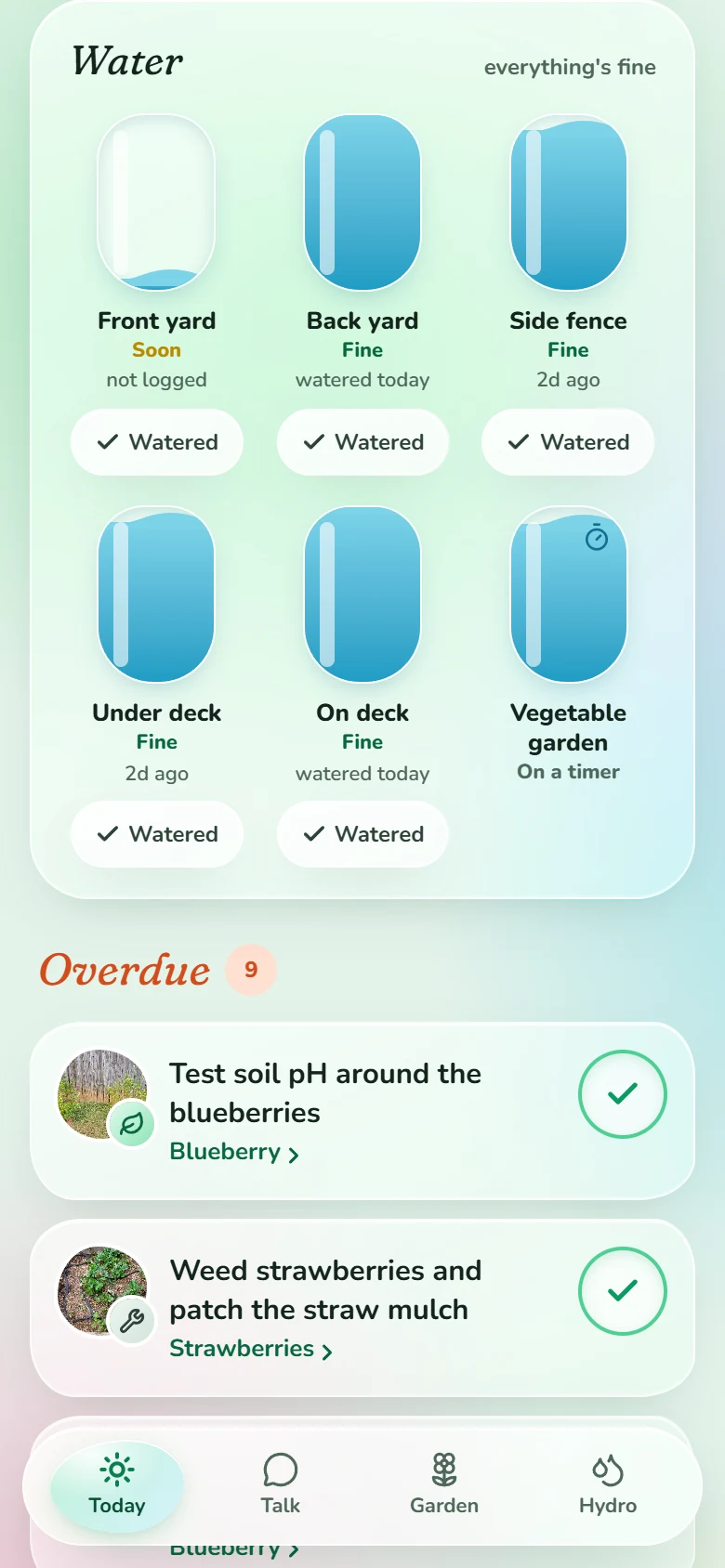
It tracks how dry each area is from evaporation, rain and the last watering. It knows which spots rain can't reach and which beds are on a timer. Watered it? One tap.
A garden calendar
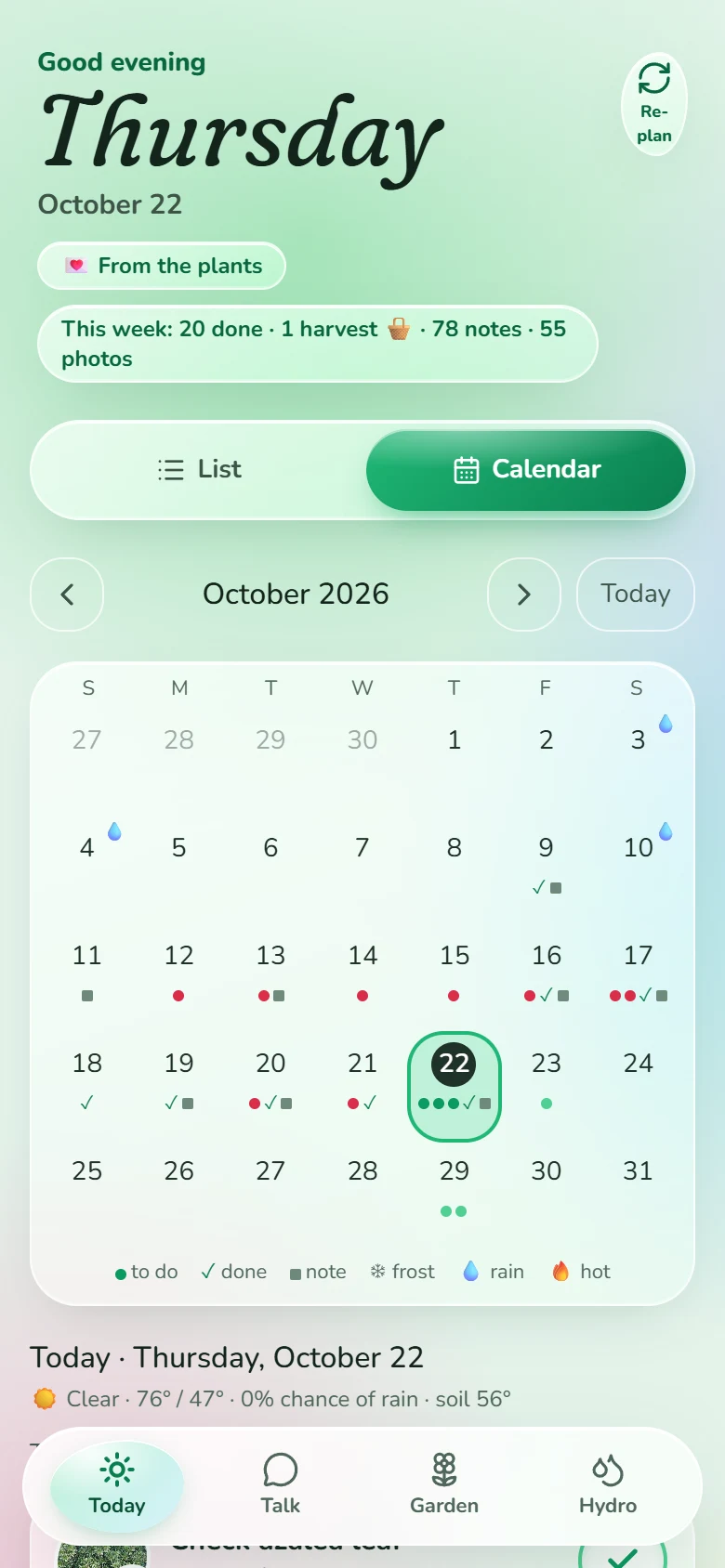
What's done, what's due, every note and every rainy day, a month at a glance. Tap a day to see it all.
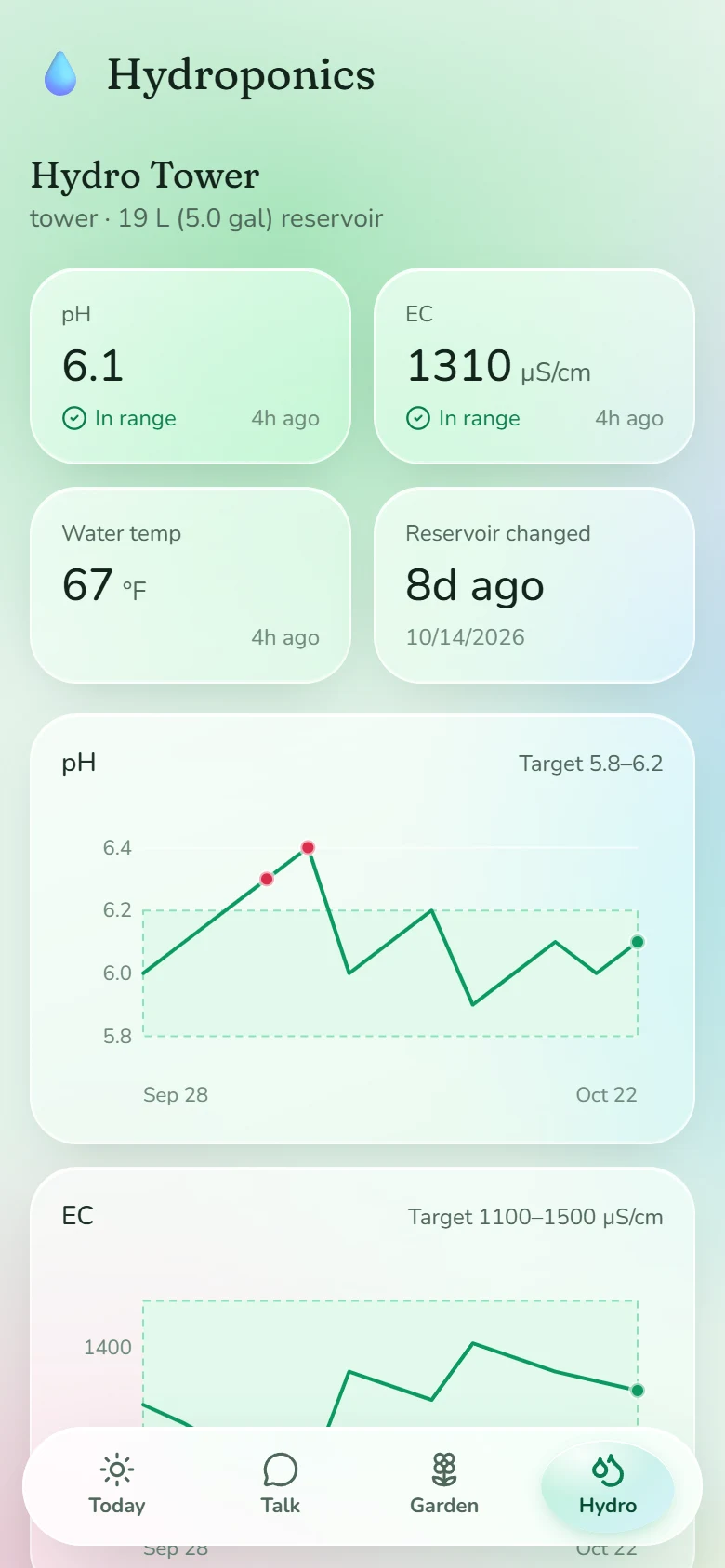
Hydroponics
pH, EC and water temperature against your targets, with charts, a maintenance log and a quick log you can speak into.
Sample readings: our tower isn't set up yet.
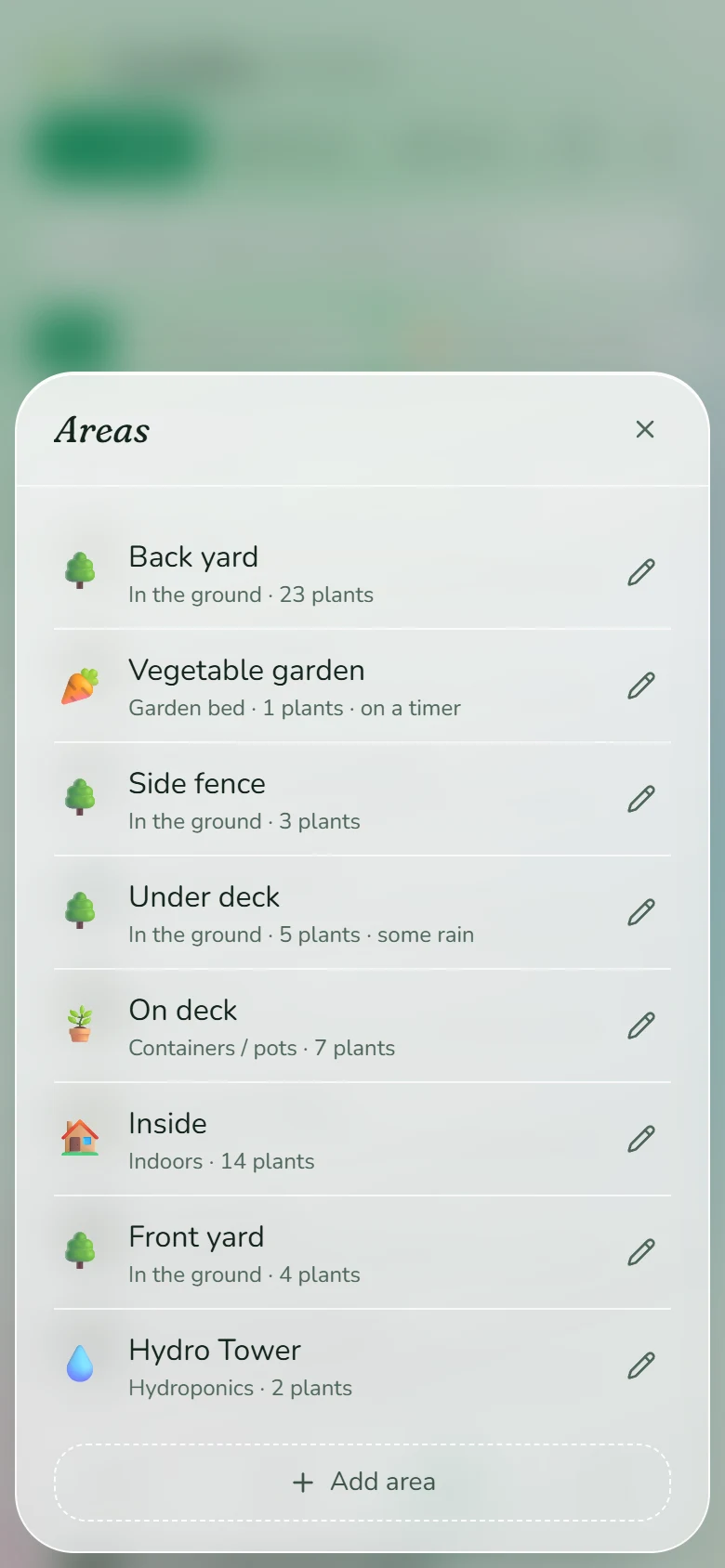
Your own areas
Beds, pots, the ground, inside, hydro: set up the garden the way it really is, down to whether rain reaches each spot.
Check-ins
Plants you haven't looked at in a while show up in “Check on these”, with a quick walk-through by area.
Harvests
Every pick, with or without an amount, adds up per plant and per season.
Weather memory
Every day of rain and heat since you started, and frost warnings before a cold night.
Season recap
At the end of the year it writes up what worked, what didn't and the plan for next spring.
Things to remember
Say it once, like “we have cats”, and every answer and every plan keeps it in mind.
Ask about any plant
A chat on each plant's page that already knows its whole story. Photos welcome.